
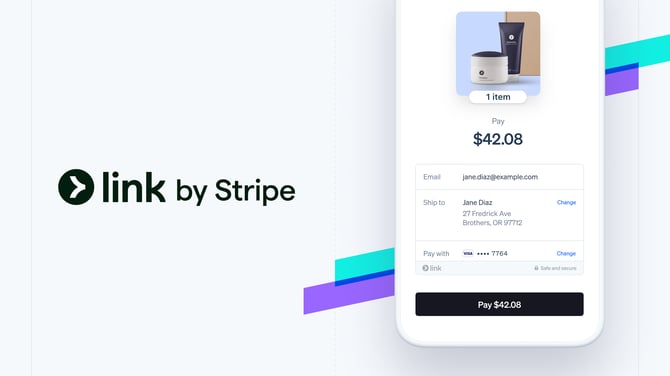
Think of link as a "saved card" for your Traveler across any website using Stripe (there are a lot). So even if they have never purchased from you, they can still use a saved card using "link by Stripe"
Available Plans: ALL PLANS
It's secure and easy and soooo many people are using it. It doesn't cost you more to use and it increases conversions.
So there's NO reason not to enable it!
In fact, it is on by default if you create your Stripe account via YouLi.
If you do NOT see the option when clicking PAY NOW, then follow these instructions.
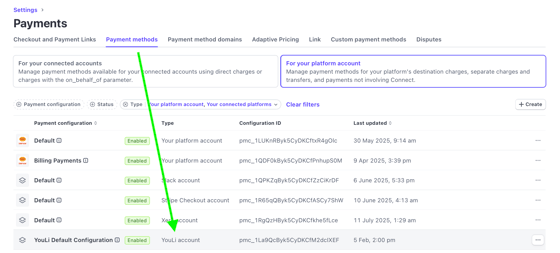
1. Go to your Stripe Dashboard and search for "Payment Methods"
2. Click on the configuration that is enabled for "YouLi account"
 |
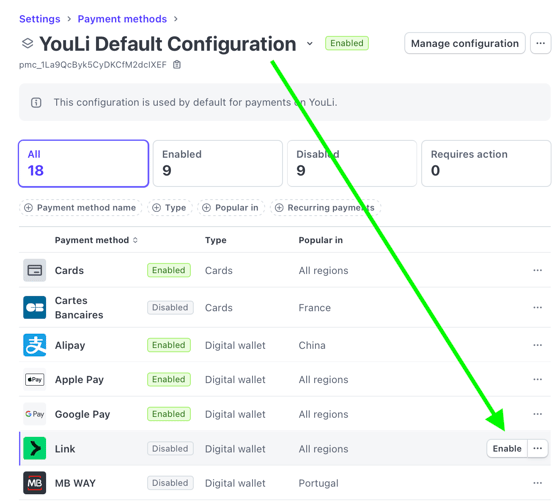
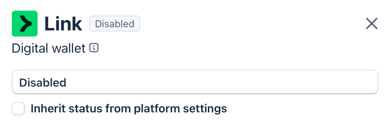
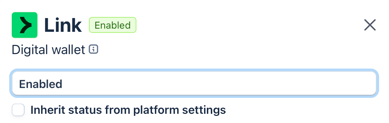
2. Find Link in the list. If it is "Disabled", hover over to click the "Enable" button. If it's already enabled, then you're done!
 |
NOTE: You might have "inherited" settings that you have to override

in the popup, uncheck the Inherit status from platform settings
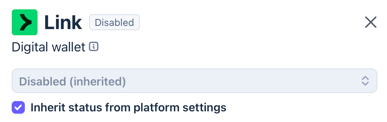
Then the dropdown will activate:
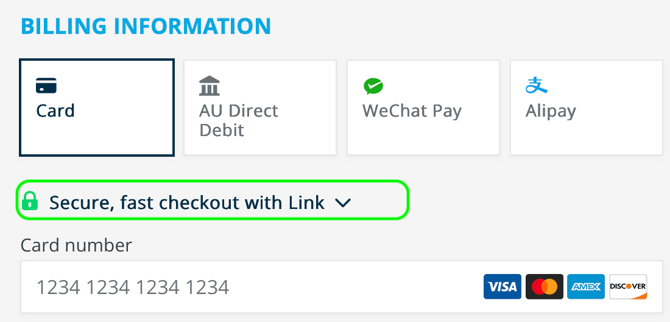
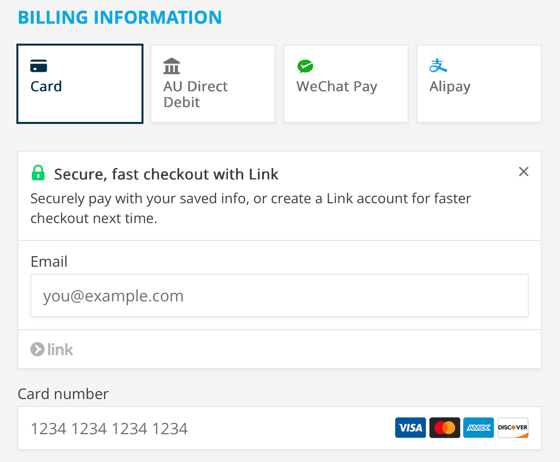
In the screenshot below it is expanded by clicking on the highlighted area above:
|
|
Troubleshooting
Q: What payment methods are supported with Link
A: Mostly card, there are some other local methods, so if the Link option is shown, then it is supported. You don't need to take any action, this is just magically handled by Stripe.
Q: What is the price of Link?
A: YouLi charges the same booking fee on Link as any other Payment Method. Stripe fees vary by country.
Contact Sales to reduce your YouLi Booking Fee
Q: Does the surcharge I apply in YouLi apply to Link charges?
A: Yes! These are treated like card payments for surcharges.
Q: I've done everything above but some customers don't report seeing it.
A: If you can see it and others cannot, then it could be in they are in a country that doesn't support it. Contact Stripe for support. If it is not showing to ANYONE, then contact YouLi for support.